HMI (operator panel)
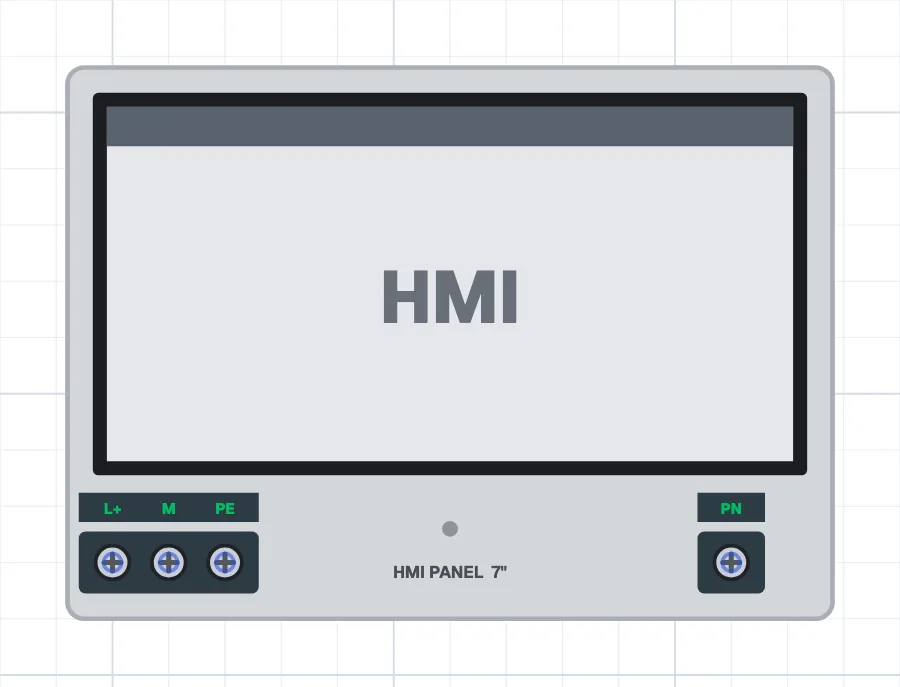
What is an HMI?
An HMI (human-machine interface, operator panel) is a device on which the operator monitors and controls a machine through a touch screen. It connects to a PLC; buttons on the screen send commands to the PLC and indicators show values from the PLC.
Where is an HMI used?
It is used on almost every modern machine: packaging, filling, plastic injection, CNC, water treatment, building automation and production lines. Starting the machine, changing settings, and watching production counts, alarms and faults are all done on the HMI.
Types of HMI
HMIs are chosen by screen size (4", 7", 10" and so on), communication ports (Ethernet, RS485) and resolution. They range from simple text displays to colour touch panels. They are usually supplied with 24 V DC and connected to the same network as the PLC.
What to watch out for
Safety functions are not left to the screen; operations such as emergency stop are also done with physical buttons. Information shown on the screen (such as motor running) should come from real feedback. The screen design should be simple and clear for the operator.
Terminals
Operator panel (HMI)
- Supply (DC)
- Network terminal
- to the PLC's PN
- Protective earth
Try it in the simulator.
This component is in CoilPath with its real look. Add it to a circuit, wire it and see how it behaves in the simulation.