
Control circuits.
In your pocket.
Draw it, run it, find the fault. From contactors to PLCs, from drives to solar PV.
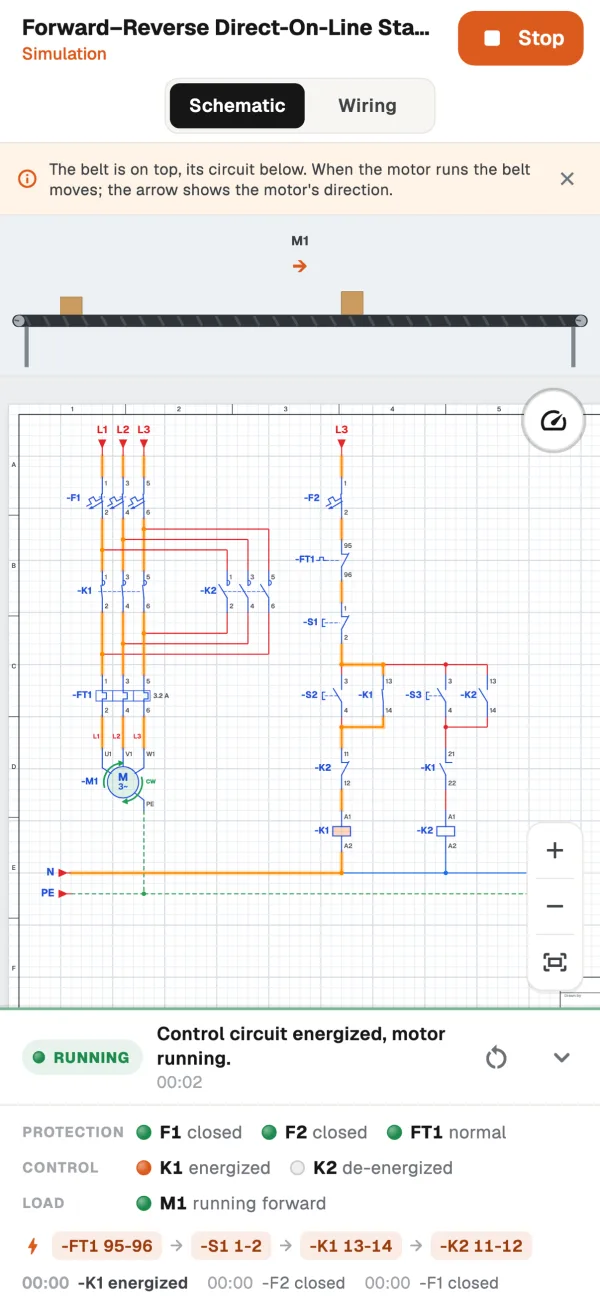
200 tasks. 62 ready-made circuits. 14 chapters. From contactor basics to star-delta, from PLCs to solar PV. Every one a real panel circuit.
Simulator
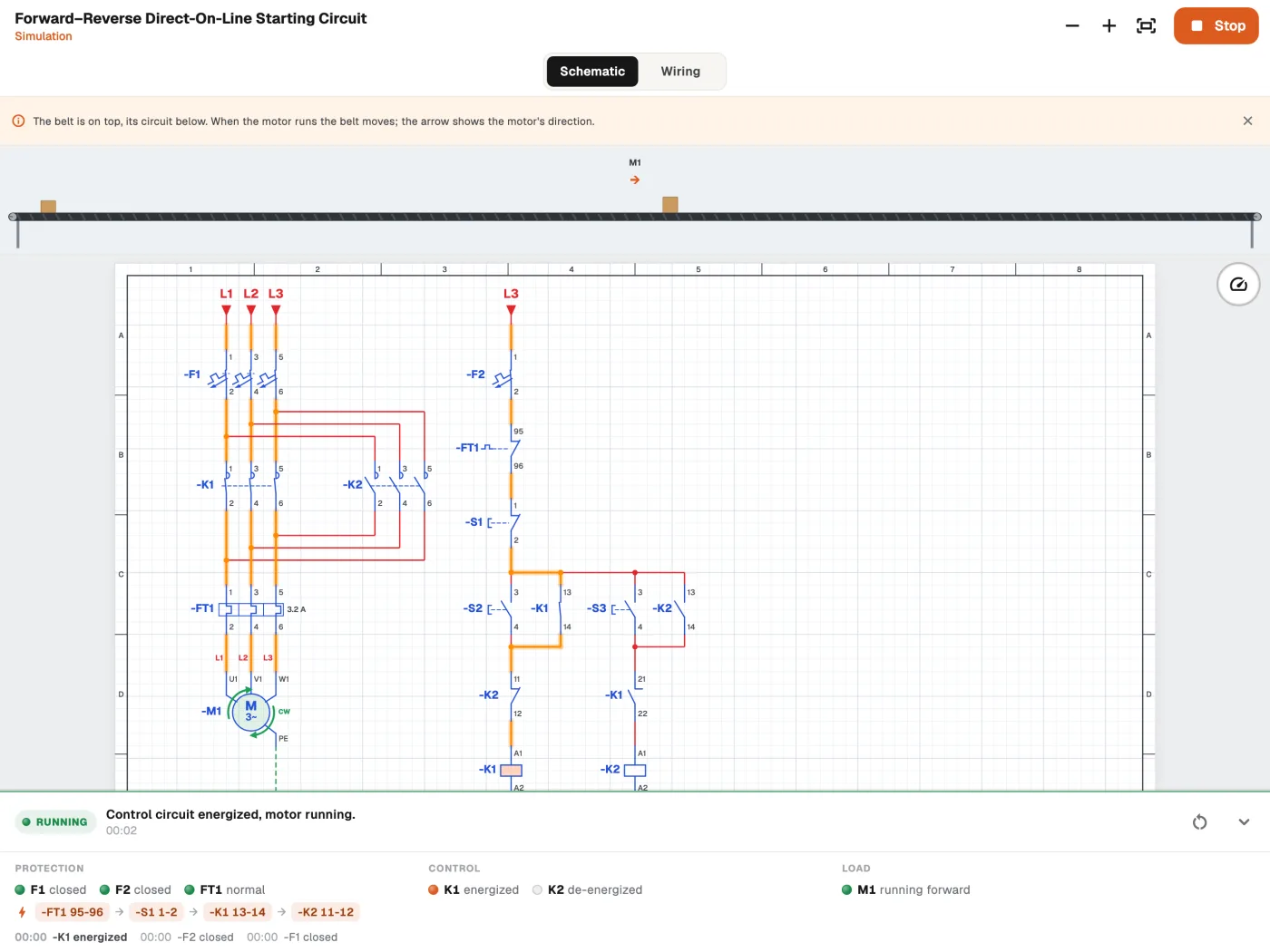
See where the current goes.
Press Start. K1 pulls in, holds itself through its own contact and the lamp lights up. Press Stop and K1 drops out. This circuit works right here, too.
K1 dropped out. Lamp off.
Highlights
Everything in the panel.
All in one app.
From schematic to panel.
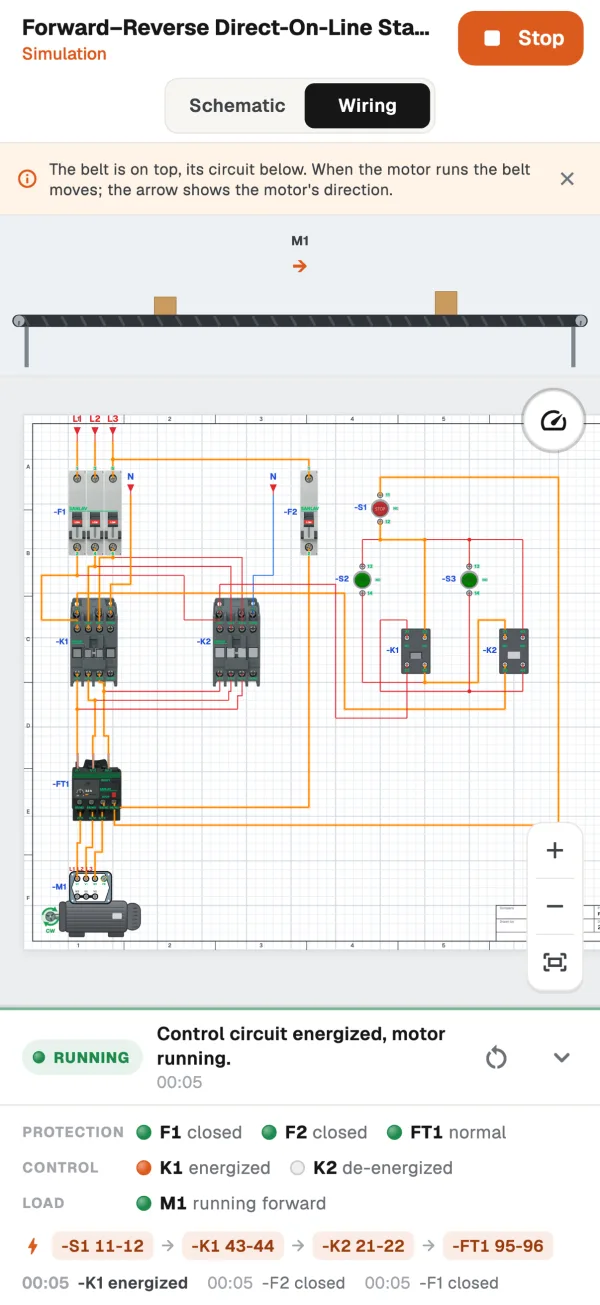
Every circuit has a schematic, a wiring view with real devices and a panel layout. Wires go to the screw terminals.
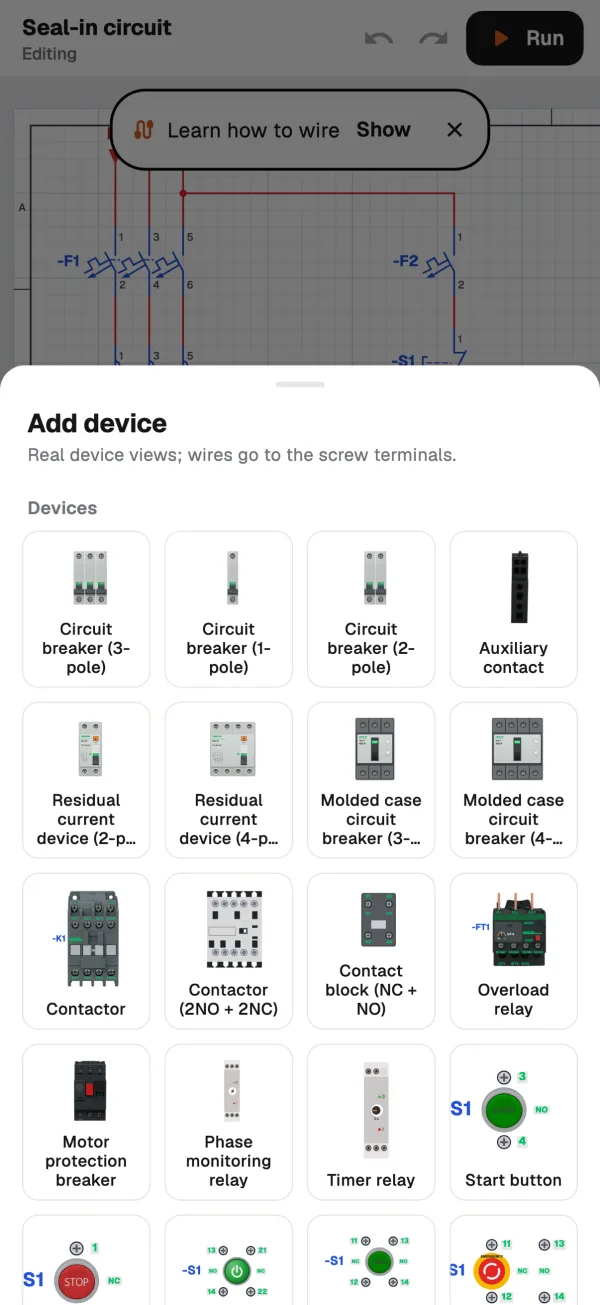
tasks in 14 chapters. Run the circuit, add the missing part, find the fault.
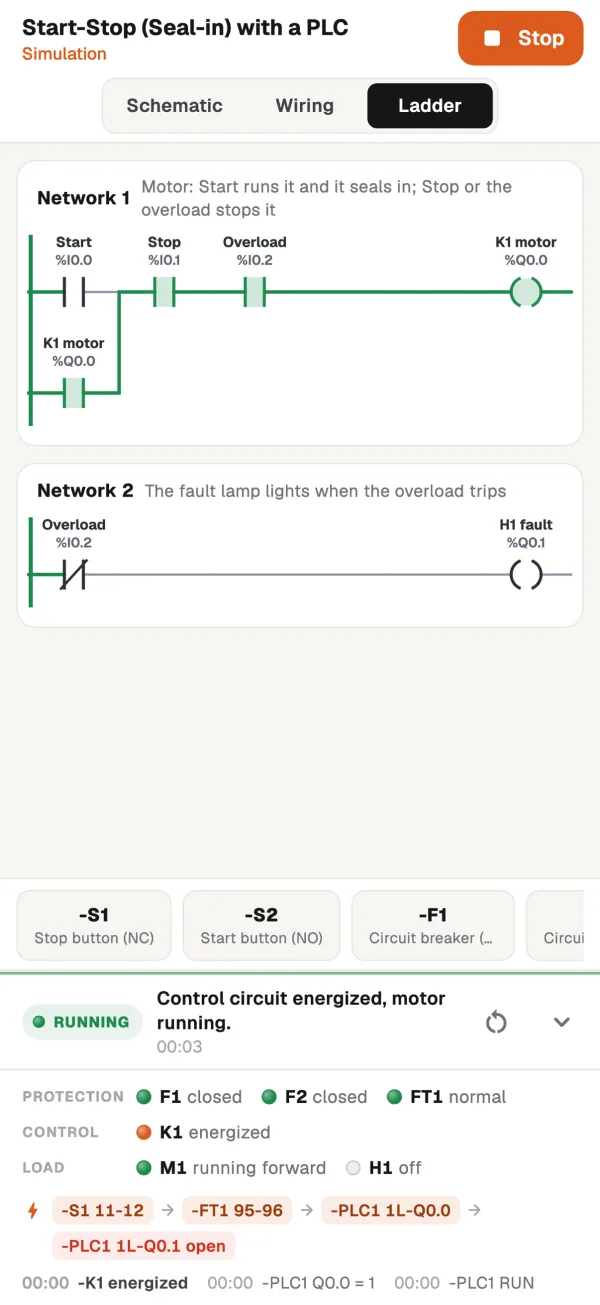
PLC and ladder.
Inputs, outputs and the program work together.
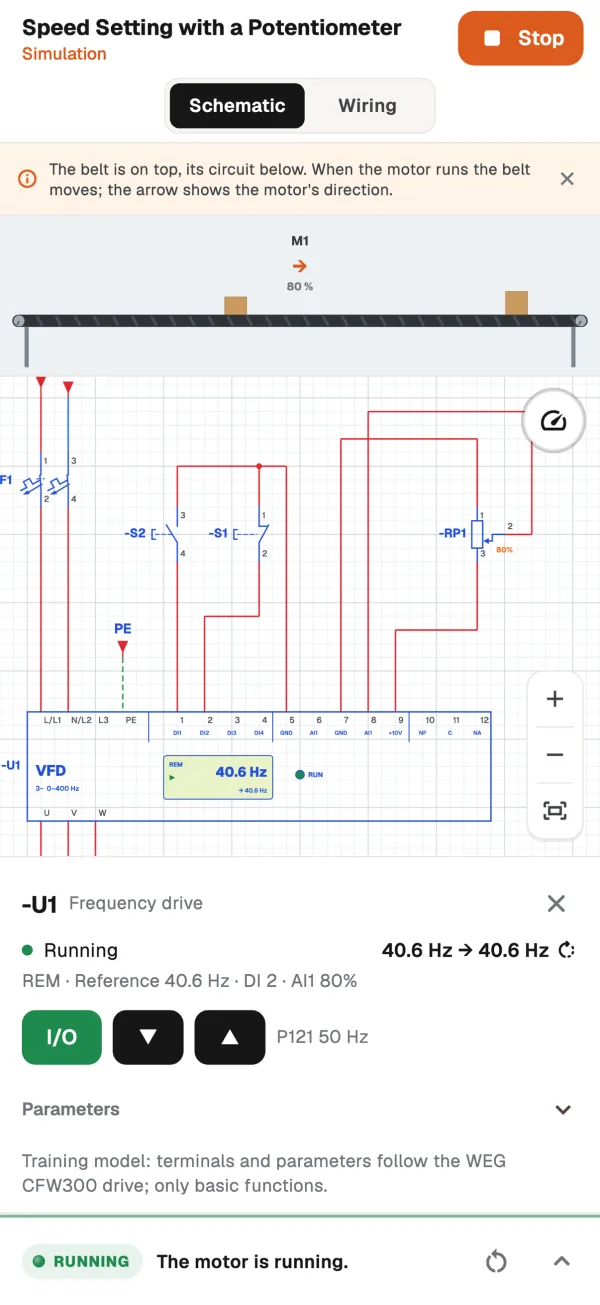
Frequency drives.
Change a parameter, watch the speed change.
Solar PV.
Wire the panels, the inverter and the meter. Change the sun and the temperature, watch the values live.
HMI.
Design the operator panel. Control the circuit from it.
Multimeter.
Measure between any two points. Hunt the fault like you would on site.
Works offline.
No account needed. Your projects stay on your device.
Tasks
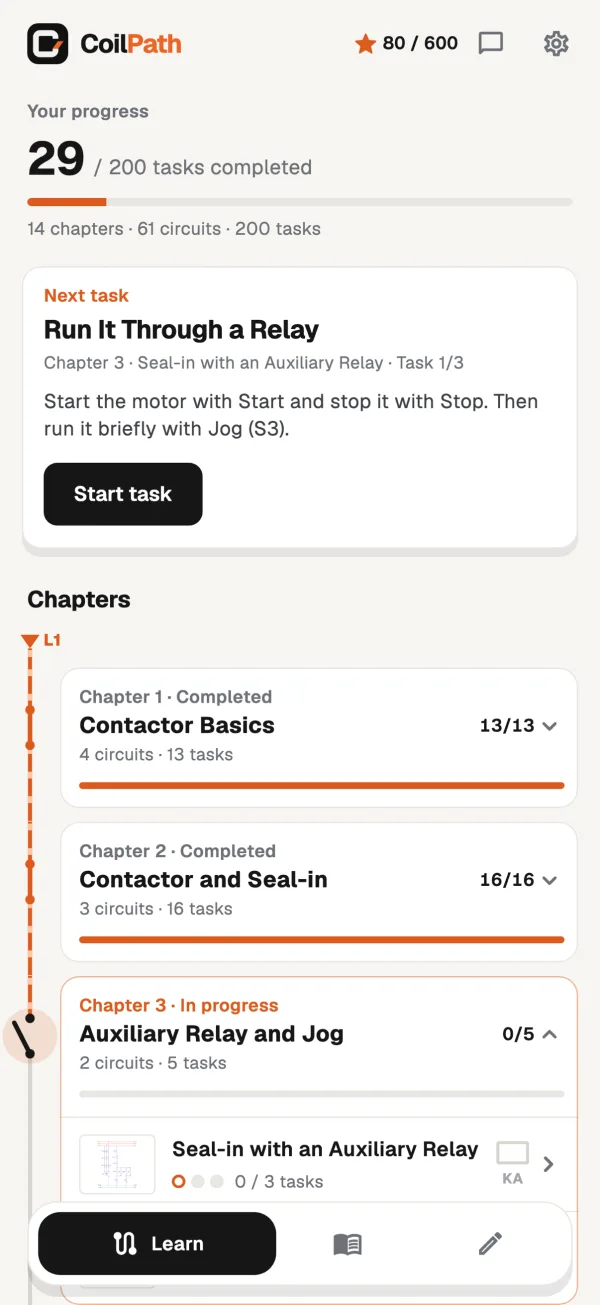
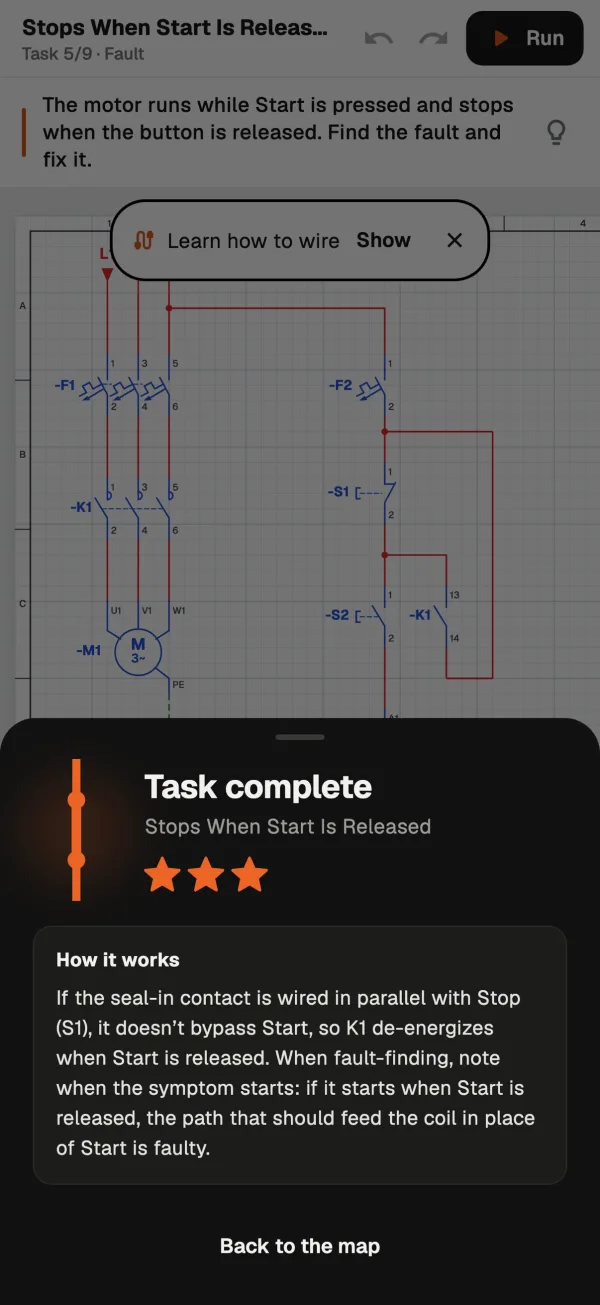
Find the fault.
Collect the stars.
In tasks the circuit comes broken. A loose wire, a wrong contact, a missing part. Try it in the simulator, find it and fix it. When you finish, you see how the circuit works.
Library
62 circuits.
Ready to open.
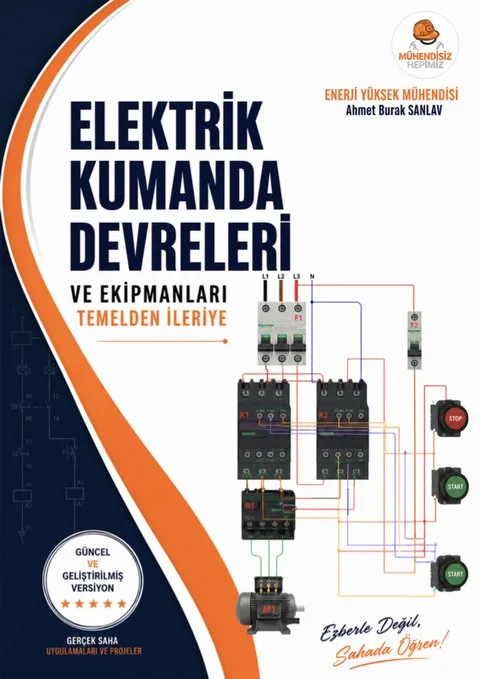
The circuits from the book Electrical Control Circuits: From Basics to Advanced, and more. Each with a schematic, a wiring view and a panel layout. Open it, run it, copy it into your own project.
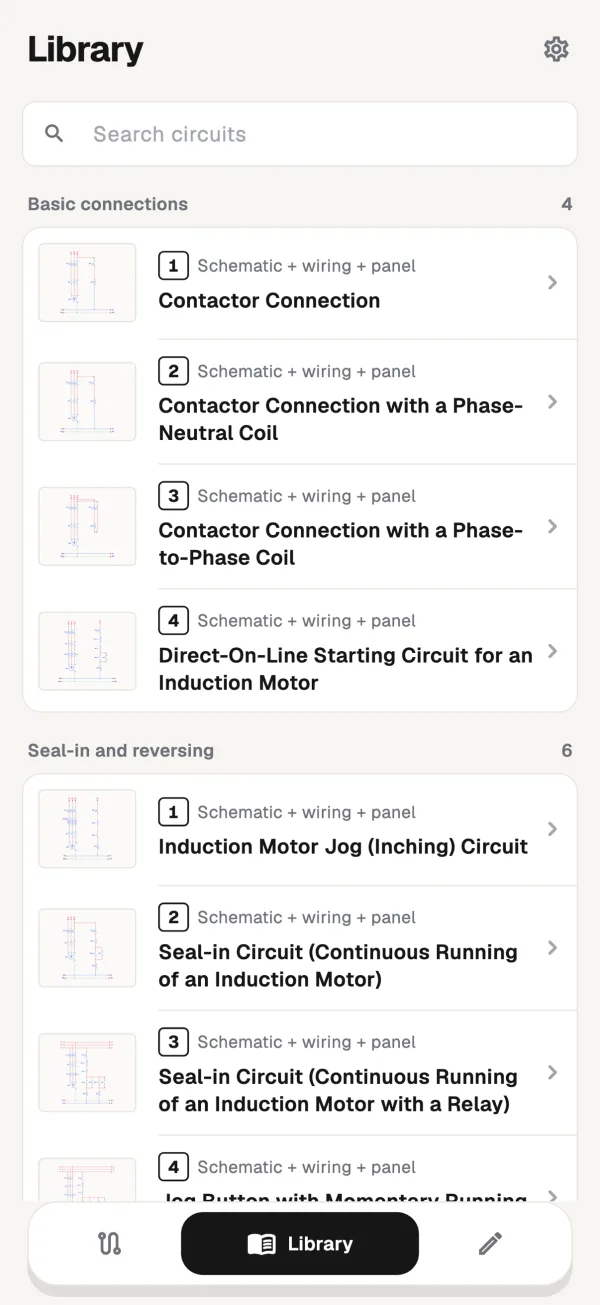
Basic connections, seal-in, forward-reverse, timer circuits, protection and sensors, star-delta, Dahlander, pump and float switch, PLC, frequency drives, HMI, solar PV.
Web
On your desktop, too.
CoilPath runs in your browser. Big screen, mouse and keyboard. Nothing to install.
Books
The why behind
every circuit.
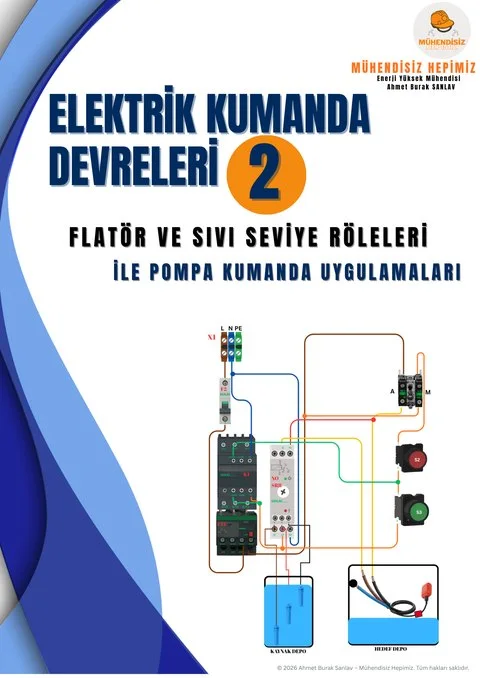
Books that show step by step how the circuits in the app are built and what they do on site.
Start for free.
Every chapter has free tasks. Pro unlocks all of them.
Free
- Free drawing and simulation, PLC and drives included
- 54 tasks across all chapters
- 19 ready-made circuits
- PLC, HMI and solar PV introductions
Pro
- All 200 tasks
- All 62 ready-made circuits
- HMI panel and solar PV parts
- Pro on the web with the same account
Subscribe inside the app. Manage it in the App Store or Google Play.
Questions and answers.
Do I need internet?
No. The app works offline and without an account. An account is only needed to move projects between devices and to use Pro on the web.
Which devices does it run on?
iPhone, iPad, Android phones and tablets. On a computer, use the web version in your browser.
Is it free?
It is free to download. Tasks in every chapter, ready-made circuits and free drawing are free. Pro unlocks everything.
Which symbols does it use?
IEC 60617 symbols and the terminal numbers common in Europe, such as A1-A2, 13-14 and 95-96.
Who is it for?
Electricians, electrical students, instructors and anyone who works with control panels.
Found a bug or have a request?
Write to us from the feedback section in the app. New versions are built around your requests.